Understanding Bcengi App Costs for eSIM Data Plans in Singapore
9/27/2026
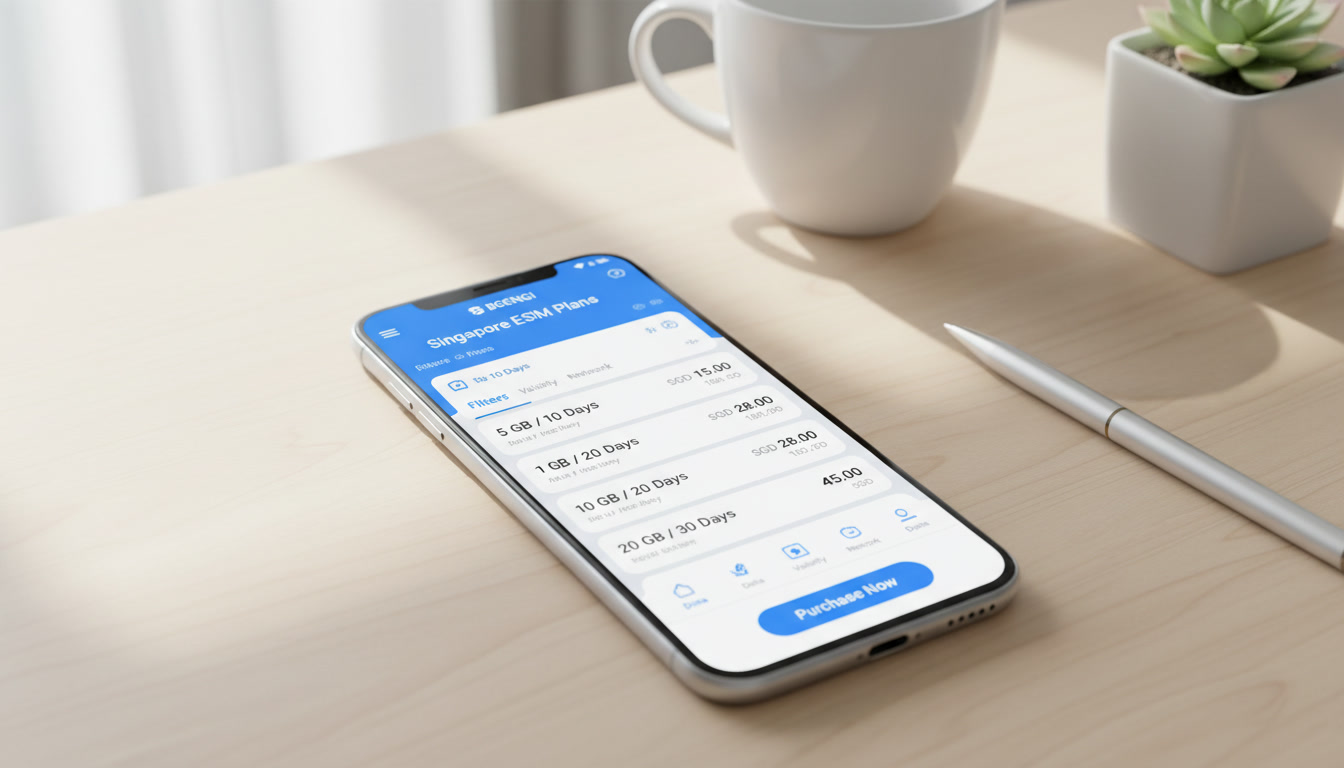
Understanding the Cost Structure of the Bcengi App for eSIM Data Plans in Singapore
If you’re considering the bcengi app to manage your eSIM data plans while in Singapore, understanding exactly what you pay for—and what you don’t—is crucial to keeping your budget on track. The app offers a pay-as-you-go model that can be attractive for travelers or residents who want flexible data without committing to fixed monthly plans.
However, the details of charges, top-ups, and exclusions often remain unclear to new users. I always start by breaking down the cost components so you know precisely where your money goes and avoid surprises.
What You Pay For When Using the Bcengi App
The core feature of the bcengi app is its pay-as-you-go eSIM data service that covers over 200 countries, including Singapore. Unlike traditional eSIM plans with fixed bundles and expiration dates, Bcengi lets you add credit to your account balance and pay only for the data you consume.
This model is particularly budget-friendly if your usage varies or is sporadic.
Key Cost Components
| Cost Element | Description |
|---|---|
| Data Usage Charges | You pay per megabyte or gigabyte consumed from your balance; no fixed monthly fee applies. |
| Top-Up Amounts | You add funds to your balance through the app; minimum top-up amounts vary by region and payment method. |
| Activation Fee | There is no separate activation fee; downloading and installing the eSIM profile is free. |
| Balance Expiry | The balance never expires, so unused funds remain available indefinitely. |
| Roaming Charges | Roaming fees do not apply since the eSIM uses local data networks in Singapore. |
The absence of an expiration date on your balance is a significant advantage compared to many other providers whose credits expire within months. This means if you top up $10 but only use $3 worth of data during a trip, the remaining $7 stays in your account until next time.
What Is Not Included in Your Bcengi App Charges
- Voice Calls and SMS: The bcengi app focuses exclusively on data connectivity; voice calls and SMS are not included and would require separate arrangements.
- Device Fees: There are no charges related to device compatibility or installation beyond what your phone manufacturer or carrier might charge.
- Hidden Fees: The app does not impose hidden fees such as connection fees or maintenance charges, which some traditional carriers might add.
- Customer Support Costs: Accessing customer support through the app is free of charge.
Understanding these exclusions helps prevent confusion over unexpected bills.
How to Manage Your Budget Effectively Using Bcengi
Managing costs with a pay-as-you-go service requires vigilance on usage and top-ups. Here are practical steps I recommend based on how Bcengi works:
Monitoring Your Data Usage
The bcengi app provides real-time tracking of your remaining balance and data consumption. This transparency is essential because:
- If you use data without checking, you risk depleting your balance quickly.
- The app’s interface updates instantly after each data session ends, so you always know how much credit remains.
A common mistake users make is assuming that topping up once covers all their needs without monitoring usage. Since there is no automatic renewal, running out of credit means losing connectivity until you top up again.
Topping Up Your Balance
Top-ups can be done anytime via multiple payment methods supported within the app. Here are some trade-offs to consider:
- Smaller top-ups give you more control but may require frequent recharging.
- Larger top-ups reduce the hassle but tie up more funds in your account.
Because balances never expire, I’d advise against topping up more than you realistically expect to use within a year unless you plan frequent travel.
Technical Compatibility and Installation Costs
The bcengi app supports a wide range of devices compatible with GSMA’s SGP.22 remote SIM provisioning specification, which governs how eSIM profiles are securely downloaded and managed remotely.
Installation Process
Installing an eSIM profile via Bcengi involves:
- Downloading the bcengi app from official stores (Google Play or Apple App Store).
- Registering an account and adding funds.
- Scanning a QR code or downloading the profile directly within the app.
- Activating the profile on your device settings.
There are no installation fees or extra charges for this process, but it requires a device that supports eSIM technology—typically newer smartphones like iPhone XS or later models, Google Pixel 3 and above, or Samsung Galaxy S20 series onwards.
Compatibility Considerations
Not all devices support multiple active eSIM profiles simultaneously; some only allow one active profile at a time. This affects how you switch between providers or plans without uninstalling previous profiles, which can be inconvenient if not planned properly.
User Feedback on Cost Transparency and Value
The bcengi app has earned positive reviews for its clear pricing model and lack of hidden fees. On Trustpilot, it holds a 5-star rating based on over 200 user reviews praising its straightforward pay-as-you-go approach and reliable connectivity worldwide.
However, some users note that:
- The absence of bundled plans means costs can add up quickly if not monitored carefully.
- Customer support response times vary depending on demand but remain free of charge.
These insights align with my observation that while Bcengi offers excellent budget control tools, it requires active management from users to avoid unexpected expenses.
Comparing Bcengi’s Cost Model With Other Providers in Singapore
While Bcengi offers flexibility with no expiration on balances, other providers typically offer fixed-duration plans with set data caps and prices. For example:
| Provider | Plan Duration | Data Allowance | Price (USD) | Notes |
|---|---|---|---|---|
| Roamic | Unlimited | Unlimited | Varies | Promo code MYBESTSIM for 10% off |
| Orange Travel | Unlimited | Unlimited | Varies | Promo code MYBESTSIM for 5% off |
| LinkeSIM | 7 days | 5 GB | $3.40 | Promo code MYBESTSIM for 5% off |
These plans often include unlimited data options with promotional discounts available through MyBestSim, a leading eSIM comparison platform trusted by travelers in Southeast Asia.
Bcengi’s model suits users who want granular control over spending without commitment, while others prefer fixed plans for predictable monthly costs.
How to Use the Bcengi App Features Without Surprises
To avoid budget pitfalls when using bcengi:
- Always check your balance before starting heavy data activities like streaming or video calls.
- Use Wi-Fi whenever available to conserve your paid data.
- Set alerts within the app if available to notify when your balance drops below a threshold.
- Understand that international roaming charges do not apply since Bcengi connects directly to local networks via eSIM technology.
For detailed guidance on activating an eSIM in Singapore using apps like Bcengi, I recommend consulting resources such as how to get eSIM in Singapore which explain device compatibility and activation steps clearly.
By focusing on these cost elements—what’s charged, what’s excluded, and how to manage usage—you can leverage the bcengi app effectively without risking unexpected bills during your stay in Singapore.
FAQ
What costs are included in the bcengi app for eSIM data?
The bcengi app charges only for data usage on a pay-as-you-go basis with no fixed monthly fees or activation charges. You add funds via top-ups, and your balance never expires, allowing flexible spending without hidden fees or roaming charges.
Are voice calls or SMS included in bcengi app charges?
No, the bcengi app focuses exclusively on data connectivity. Voice calls and SMS are not included and require separate services or arrangements outside the app.
How can I monitor and manage my data usage on bcengi?
The app provides real-time tracking of your data consumption and remaining balance. Regularly checking your usage helps avoid running out of credit unexpectedly since there is no automatic renewal.
Does the bcengi app charge any installation or device fees?
No installation or device fees apply when using the bcengi app. Installing the eSIM profile is free, but your device must support eSIM technology to use the service.
How does bcengi’s cost model compare to other Singapore eSIM providers?
Bcengi offers flexible pay-as-you-go pricing with no expiration on balances, unlike other providers that sell fixed-duration plans with set data caps. This suits users wanting granular control over spending rather than fixed monthly costs.

Liam Chen
Liam is a travel and technology writer based in Southeast Asia who has tested eSIMs across the region. At Singapore eSIM he compares travel data plans on Singtel, StarHub and M1 and helps visitors stay online affordably from Changi to Sentosa.