iPhone Dual Sim Cost Guide for Managing Your Budget in 2026
9/24/2026
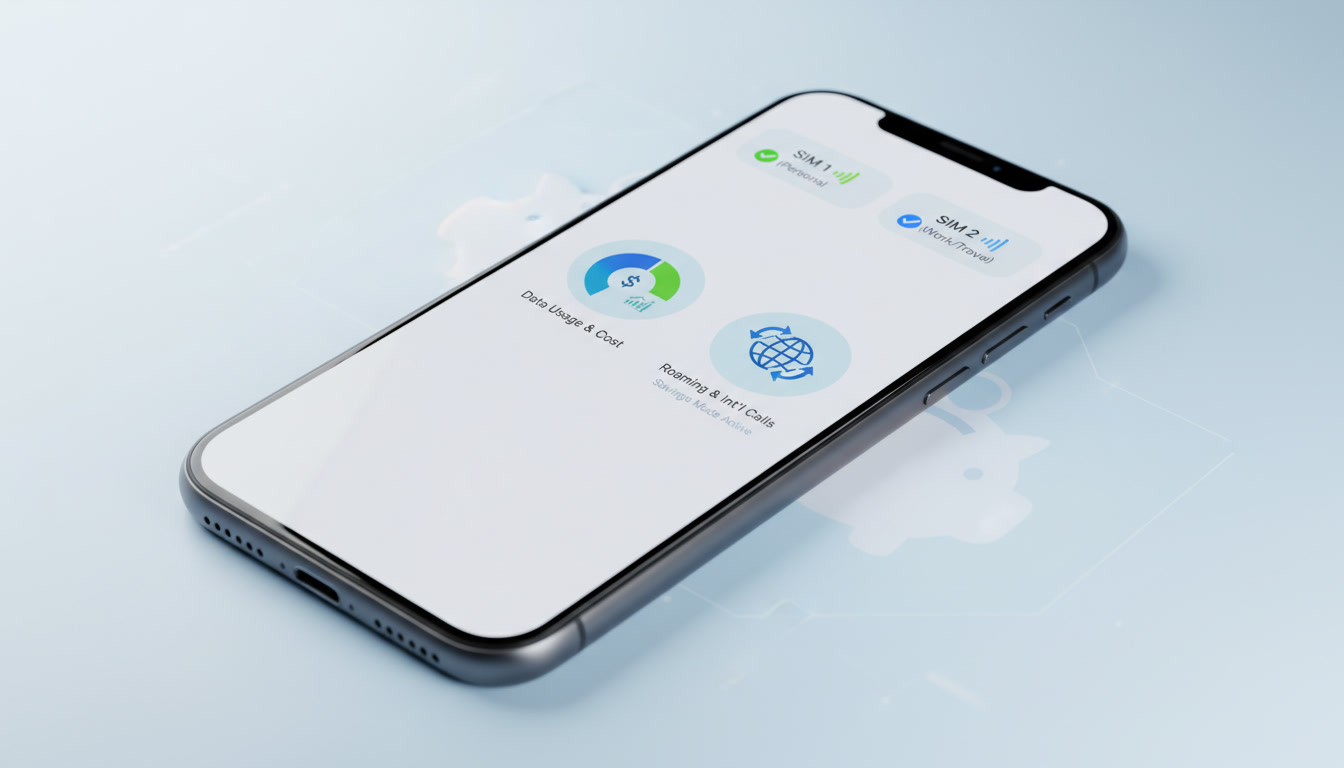
What Costs to Expect When Using iPhone Dual SIM: A Budget-Focused Guide
Using dual SIM on an iPhone can save you the hassle of carrying two phones or swapping SIM cards, but it’s essential to understand what parts of this setup will impact your budget. The iPhone’s dual SIM functionality involves a mix of physical SIM cards and eSIMs, each with different cost implications.
Some features are free, while others come with charges depending on your carrier and usage. Here’s a detailed breakdown to help you manage your expenses effectively.
Understanding iPhone Dual SIM Cost Components
The iPhone supports dual SIM through either two physical nano-SIM cards (limited to models sold in Mainland China, Hong Kong, and Macau) or one physical nano-SIM combined with one eSIM. This distinction affects what you pay for and how you manage your plans.
| Cost Aspect | Description | Typical Charges |
|---|---|---|
| Physical SIM Card | A plastic card inserted into the phone slot | Usually a one-time purchase fee; sometimes free with carrier plan |
| eSIM Activation | Digital SIM profile downloaded via QR code or carrier app | Often free; some carriers may charge activation fees |
| Cellular Plans | Monthly or prepaid data and voice plans associated with each SIM | Varies widely by carrier and plan |
| Roaming Charges | Extra fees when using either SIM outside its home network | Can be significant; avoid by using local eSIM plans |
| Call and SMS Charges | Per-minute or per-message fees depending on plan | Depends on plan; unlimited options available |
| Data Usage Costs | Charges for data consumption beyond plan limits | Overage fees apply unless unlimited data |
The key to budget control is knowing which of these costs are fixed, which vary by usage, and which can be avoided altogether.
Free Features and No-Cost Options on iPhone Dual SIM
Setting up dual SIM itself does not usually incur a direct cost from Apple. The device’s hardware supports it natively without extra fees.
Here are some no-cost features:
- Switching Between Lines: You can choose which line to use for calls, messages, or data without extra charges.
- Managing Lines in Settings: Adding or removing an eSIM profile from the Settings app is free.
- Receiving Calls on Both Lines: The iPhone can receive calls on either line without additional fees.
- Using Wi-Fi Calling: If supported by your carrier, Wi-Fi calling works independently of your SIM setup.
However, while these features are free, the cellular plans tied to each SIM line determine your actual spending.
What You Will Pay For: Cellular Plans and Activation Fees
Physical SIM Cards vs. eSIM Activation Costs
Physical SIM cards generally come from carriers either for free or for a small fee (around $5 to $15 depending on the provider). The cost is often bundled with your cellular plan purchase.
On the other hand, activating an eSIM usually involves scanning a QR code provided by the carrier or downloading a profile through their app.
Some carriers charge activation fees for eSIMs, but many do not. For example, in Singapore, carriers like Singtel and StarHub typically offer eSIM activation at no extra cost when you subscribe to their plans.
Cellular Plan Costs for Dual SIM Use
Each SIM line requires its own cellular plan. This means you pay separately for data, voice minutes, and texts on both lines unless you use shared plans (rare on iPhones).
If you use one line primarily for work and another for travel or personal use, expect two separate bills.
For travelers looking to save money, using an eSIM plan from providers like those listed on MyBestSim can be cheaper than roaming with your home carrier. These eSIM plans often start at just a few dollars for several days of data access.
Example: Budget-Friendly eSIM Plans in Singapore
Here are some real-world offers from Singapore-based eSIM providers that you might consider as a second line:
| Provider | Data Allowance | Validity | Price (SGD) | Notes |
|---|---|---|---|---|
| eSIM.dog | 3 GB | 1 day | 0.97 | Very short validity |
| MicroEsim | 3 GB | 3 days | 2.20 | Good for short trips |
| Yatelo | 3 GB | 30 days | 2.52 | Long validity at low price |
| Jambosim | 3 GB | 30 days | 3.99 | Popular option |
These affordable options show how an eSIM can be a budget-friendly choice compared to international roaming fees.
Managing Your Budget When Using Dual SIM on iPhone
How Data Usage Affects Your Costs
When using dual SIMs, only one line can be active for cellular data at a time unless you have specific carrier support for simultaneous data use (which is rare). This means if you switch data between lines frequently, you might face unexpected charges if one plan has limited data or high overage fees.
A common trap is assuming both lines share data automatically. They do not; each plan’s limits apply independently.
If you exceed your data cap on one line, the carrier may charge overage fees that quickly add up.
Battery Life Considerations That Impact Cost
Running two active cellular radios consumes more battery power than a single SIM setup. This increased drain means more frequent charging cycles that can reduce battery lifespan over time — potentially leading to earlier battery replacement costs.
I always start by monitoring battery usage closely after enabling dual SIM to see if my usage patterns need adjustment. For example, disabling cellular data on the secondary line when not needed helps conserve power and avoid unnecessary charges from background activity.
Call Quality and Network Charges
Using dual SIM does not degrade call quality inherently but switching between networks can cause brief interruptions or delays in call setup times. Also, if one line is set as primary for voice but has weaker coverage, calls may drop or incur roaming charges if the phone switches networks automatically.
To avoid surprise costs, check each carrier’s roaming policies carefully before relying on dual SIM abroad. Some carriers treat incoming calls differently when roaming on a secondary line, leading to unexpected fees.
Setting Up Dual SIM Without Surprises: What You Need to Know
Step-by-Step Setup With Cost Awareness
- Check Model Compatibility: Only certain iPhone models support dual physical nano-SIM cards (mostly China variants). Most others use one physical nano-SIM plus one eSIM.
- Choose Your Plans: Decide which number will be physical and which will be eSIM based on cost and convenience.
- Activate Your eSIM: Scan the QR code from your chosen carrier or download their app profile—activation is often free but verify with your provider.
- Configure Default Lines: Set default lines for voice, SMS, and data in Settings > Cellular > Default Voice Line.
- Monitor Usage: Regularly check cellular usage per line to avoid overage fees.
- Manage Roaming Settings: Disable roaming on lines not intended for travel use to prevent unexpected charges.
Common Mistakes That Increase Costs
- Overlooking that each line requires its own paid plan leads to double billing surprises.
- Forgetting to disable cellular data on the secondary line when not needed causes unnecessary data consumption.
- Assuming all carriers support seamless switching between physical SIM and eSIM without activation fees.
- Ignoring roaming settings results in high international charges even if using local eSIMs.
For detailed official guidance on setting up dual SIMs on iPhones, Apple’s support page explains how to add multiple lines via Settings > Cellular source.
Advantages of Dual SIM That Can Offset Costs
While managing two plans might seem costly upfront, dual SIM offers savings opportunities:
- Avoid roaming fees by using local eSIMs during travel without changing physical cards.
- Separate work and personal calls without carrying two devices.
- Choose cheaper plans tailored to specific needs (e.g., unlimited calls at home + low-cost data abroad).
For travelers interested in economical local connectivity options through eSIMs in Singapore, I recommend checking out the best eSIM plans available that help reduce roaming expenses significantly.
Troubleshooting Costly Issues With Dual SIM Usage
If unexpected charges appear after setting up dual SIM:
- Verify which line was used for calls/data during billing periods.
- Check if any activation fees were applied by carriers during setup.
- Confirm roaming settings are disabled where unnecessary.
- Review whether apps are consuming background data on both lines simultaneously.
Understanding these mechanisms helps prevent costly surprises linked to dual SIM use.
Dual SIM functionality on iPhones offers flexibility but requires careful budget management around cellular plans and usage habits. Knowing what costs apply—and which features remain free—lets you harness this technology without blowing your budget unexpectedly.
FAQ
Which iPhone models support dual SIM functionality?
Most iPhone models support one physical nano-SIM and one eSIM, except certain China variants that allow two physical nano-SIMs. Check your model’s specifications to confirm compatibility before purchasing.
Are there any fees for activating an eSIM on iPhone?
Activation of an eSIM is often free, but some carriers may charge a small fee. It usually involves scanning a QR code or downloading a profile via the carrier’s app.
How does using dual SIM affect my iPhone’s battery life?
Running two active SIMs consumes more battery power, leading to faster battery drain. Managing data usage and disabling the secondary line when not needed can help conserve battery life.
Can I use data on both SIM lines simultaneously on iPhone?
Typically, only one SIM line can be active for cellular data at a time. Switching data between lines requires manual changes and may incur extra charges if data limits are exceeded.
How can I avoid unexpected roaming charges with dual SIM on iPhone?
Disable roaming on lines not intended for travel and consider using local eSIM plans when abroad. Always review your carrier’s roaming policies to prevent surprise fees.

Liam Chen
Liam is a travel and technology writer based in Southeast Asia who has tested eSIMs across the region. At Singapore eSIM he compares travel data plans on Singtel, StarHub and M1 and helps visitors stay online affordably from Changi to Sentosa.